Why smile
One trip. Too many tabs.
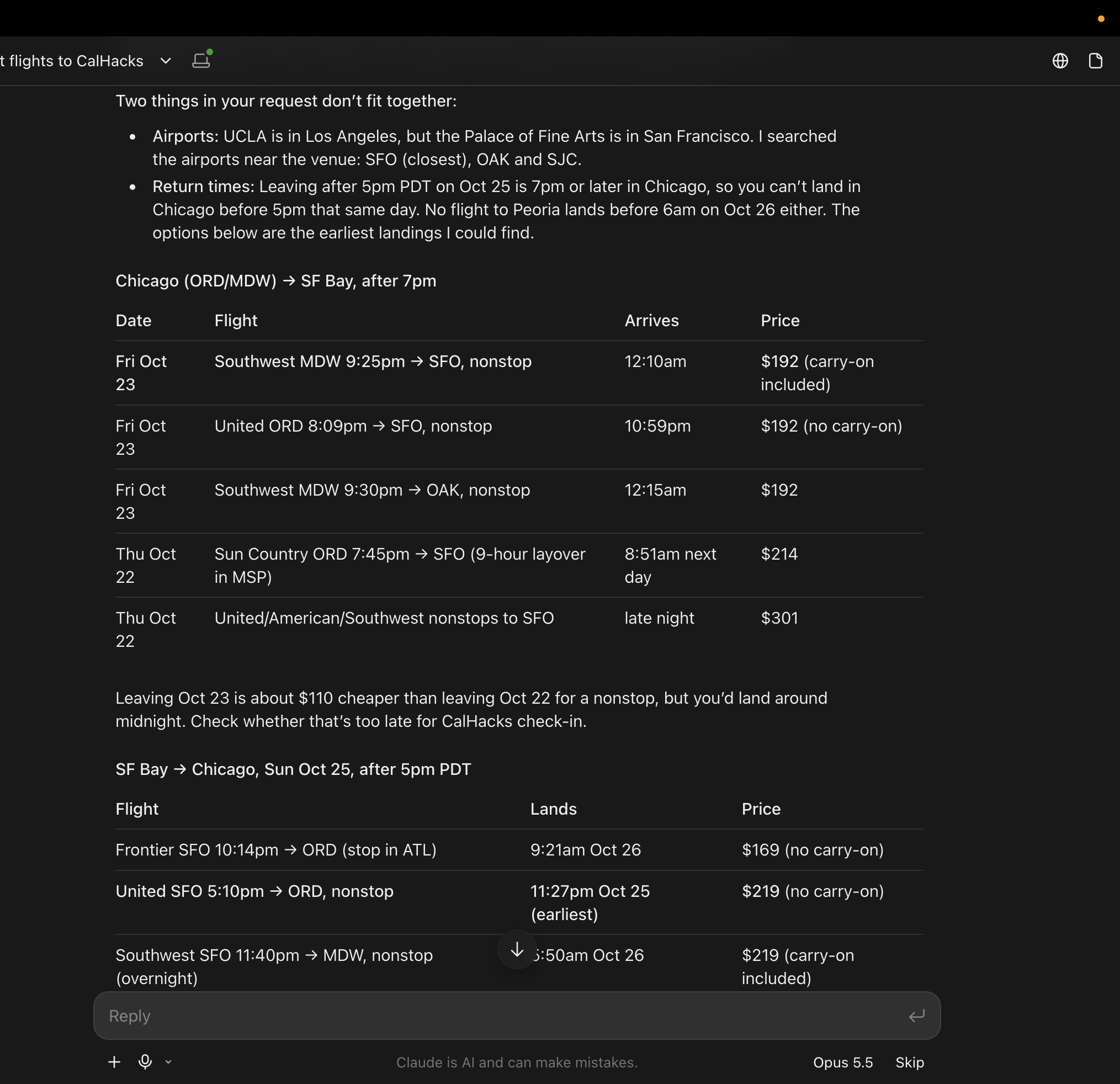
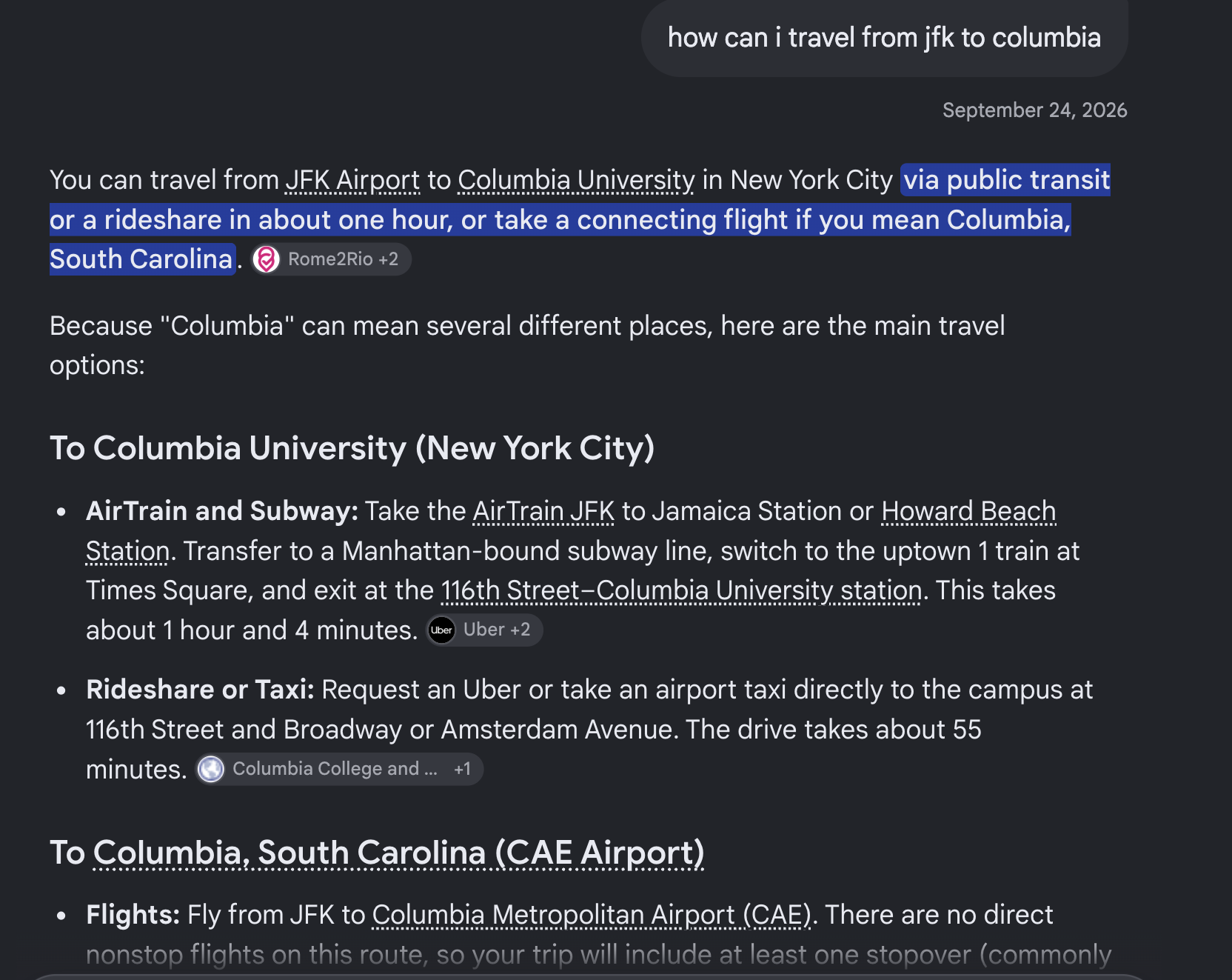
So why not all in one?
Choose how far you’ll go and what you’ll spend. S’mile finds the event, plans the route, asks before booking, then hands clean evidence to the organizer’s finance desk.
Use the ZIP where your trip begins.
So why not all in one?
Open the event page. smile Lens finds the name, venue and kickoff time.
smile Lens spots the date, venue and kickoff on the page you're already reading. It never touches accounts, cookies or payment fields.
36 hours of building at Fort Mason Center, San Francisco · Nov 14, 9:00 am
No. smile lives in a Chrome extension and your group chat. Open an event page or type @smile. That’s it.
Official transit, weather and location feeds, plus permitted public event pages. Every answer shows its source and how fresh it is.
Never. Trip funds stay locked until you approve the exact quote you saw. If the price changes, it asks again.
Only your trip group. Buddies are matched by route and schedule. Your details aren’t shared to make a match.
smile watches live delays, reroutes when your transfer is at risk, and pings the whole group with a new plan.